01
Independent Dealers
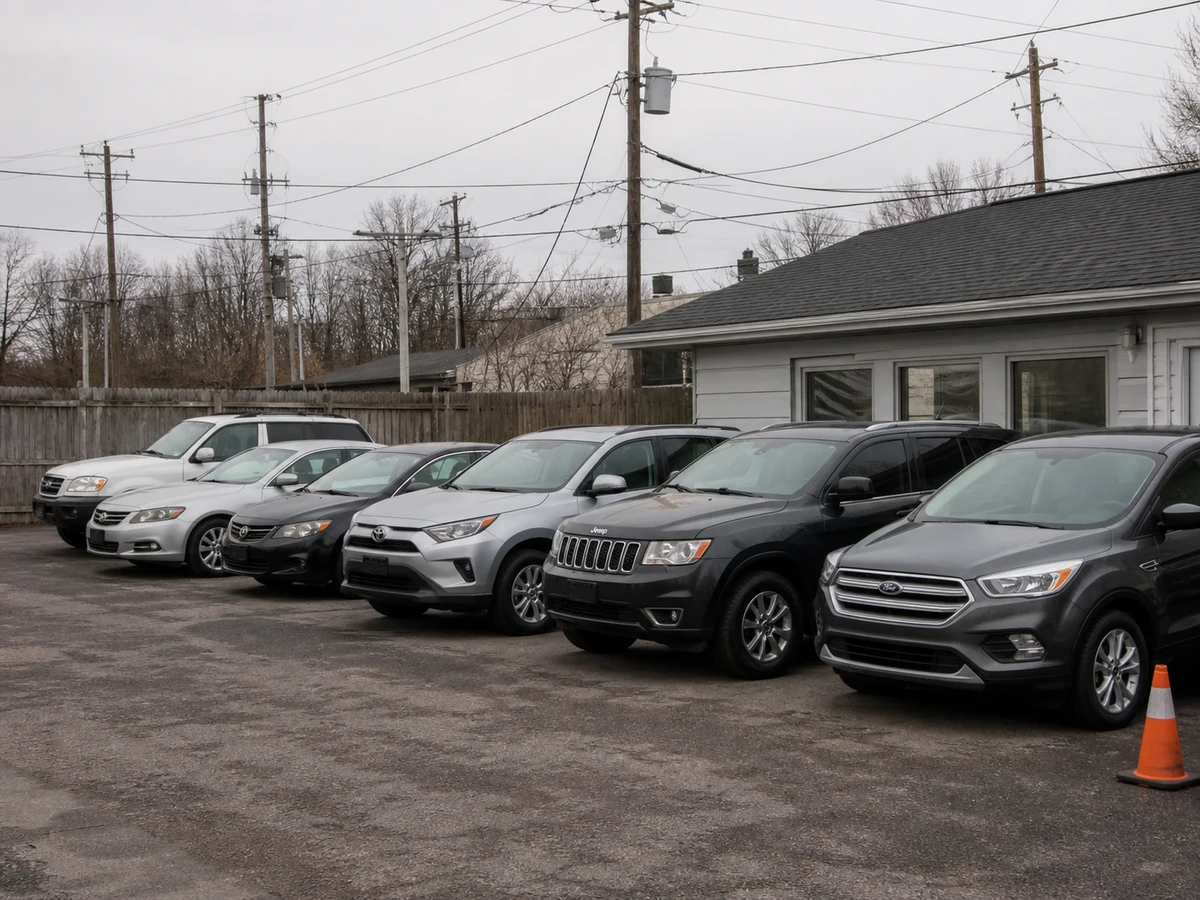
Ten cars in on Monday, all shot against the same fence, the same power lines, the neighbor's van. One background across the batch and the whole row of listings reads like it came from one showroom.

Preview
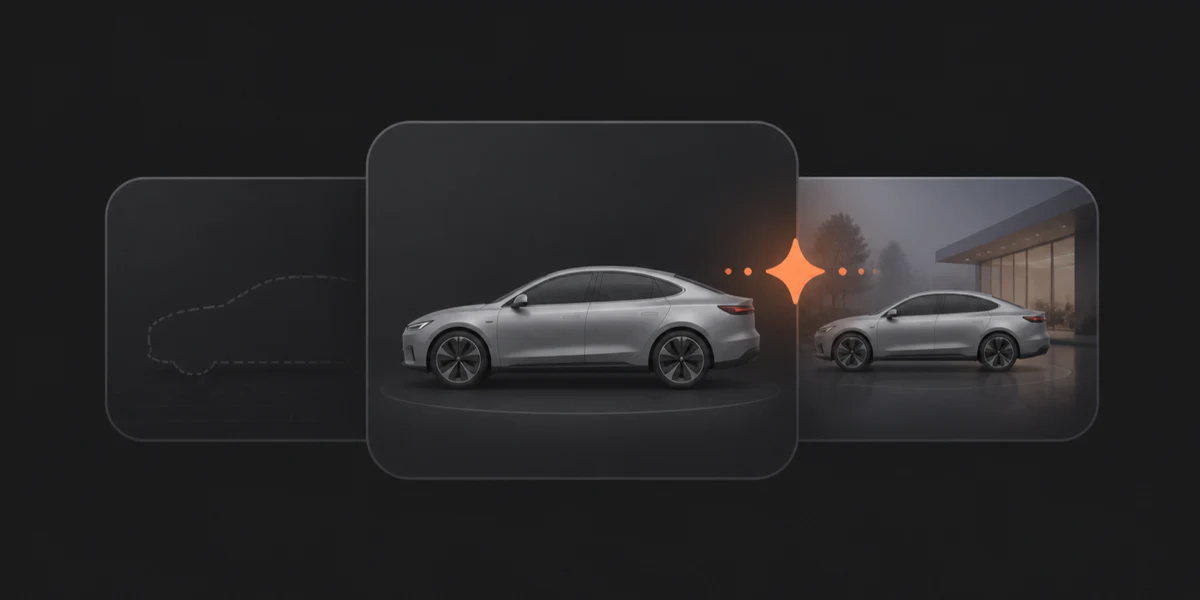
Your batch preview will appear here
Upload images, submit a batch, then review each completed background replacement.
Try a showcase
AI Car Photo Background Replacement
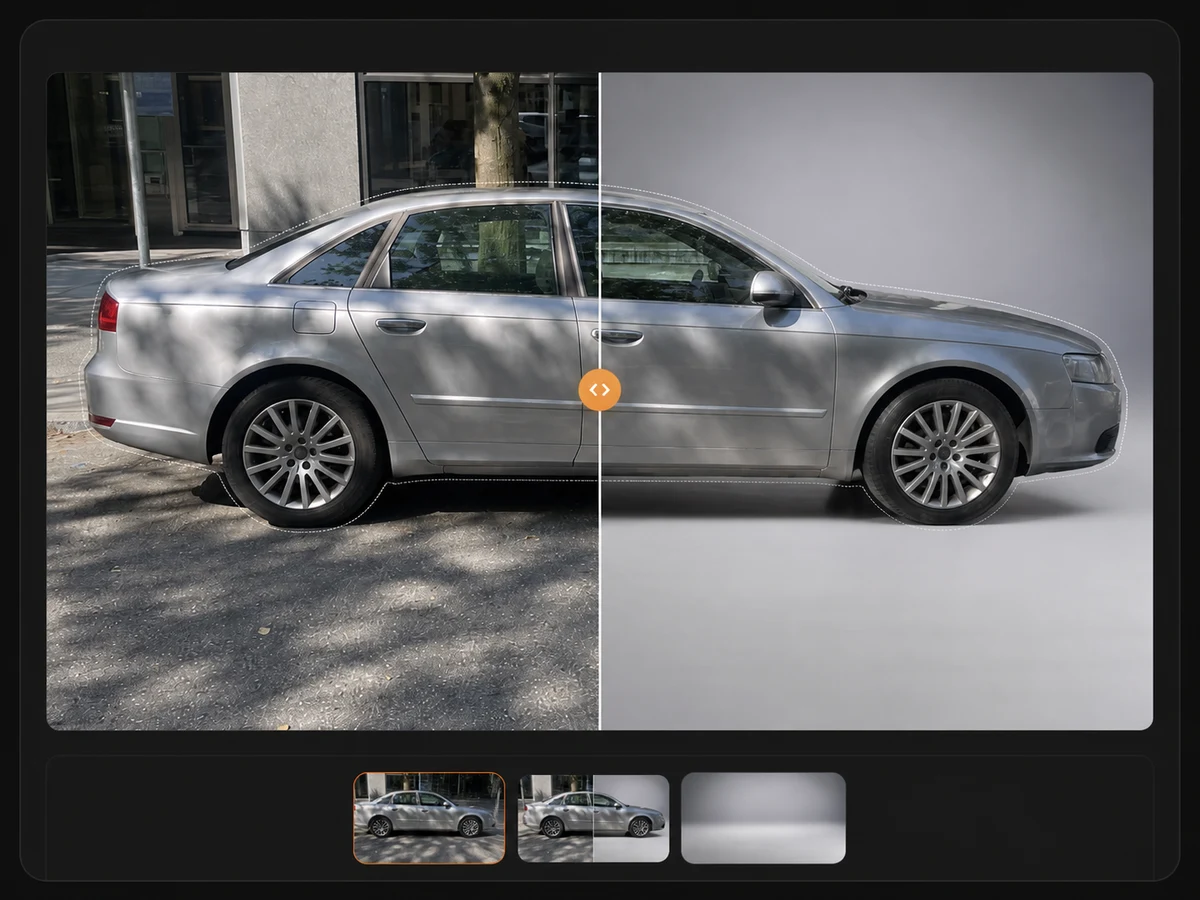
Drop in a batch of lot shots, pick one showroom or studio scene, and get every image back with a clean, consistent background in roughly 15 to 30 seconds each — the same edit takes 10 to 20 minutes a photo by hand. Most tools cut the vehicle out and paste it onto a backdrop, which is exactly where mirrors, glass, and wheel wells fall apart. This one rebuilds the background around your car instead, so the vehicle comes back exactly as photographed.
How It Works
Upload the batch, pick one background, export the folder — nothing to install and no editing skills required.
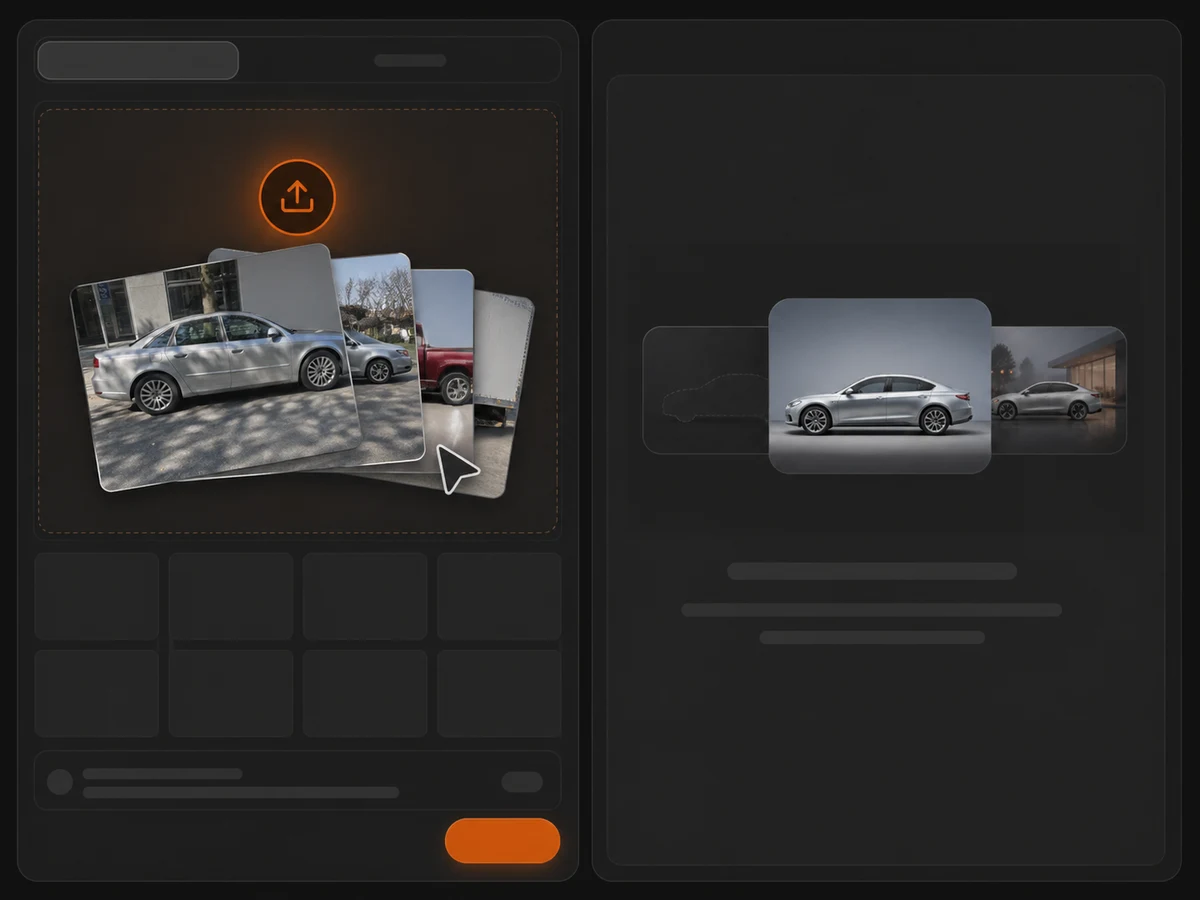
Drag in up to 20 vehicle photos at once — JPG, PNG, WebP, or straight-from-iPhone HEIC, up to 50 MB each. No vehicle records to create first: a batch is just a set of files.
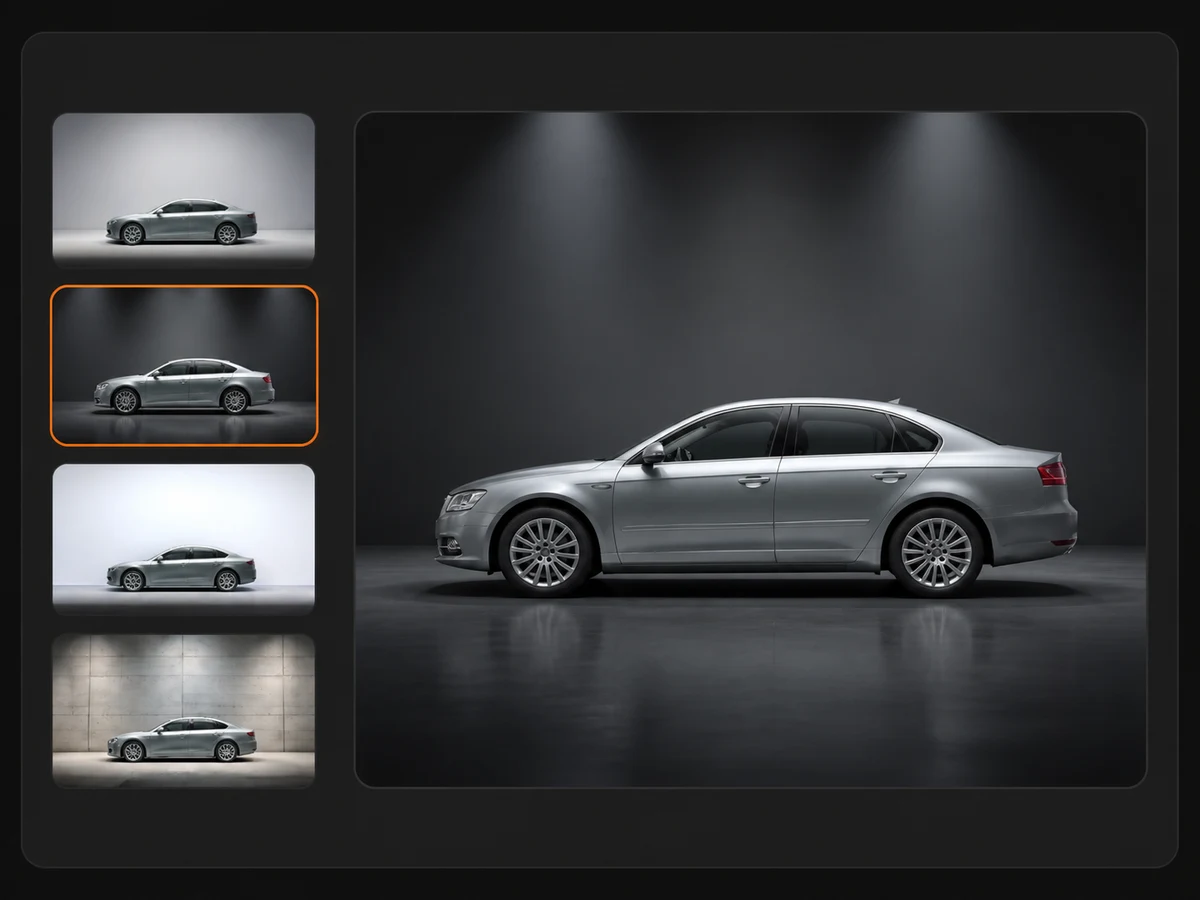
Choose a studio or showroom scene for the whole batch, or upload a photo of your own floor to use as the background. Then pick how the vehicle is handled: preserved exactly, or blended into the new light.
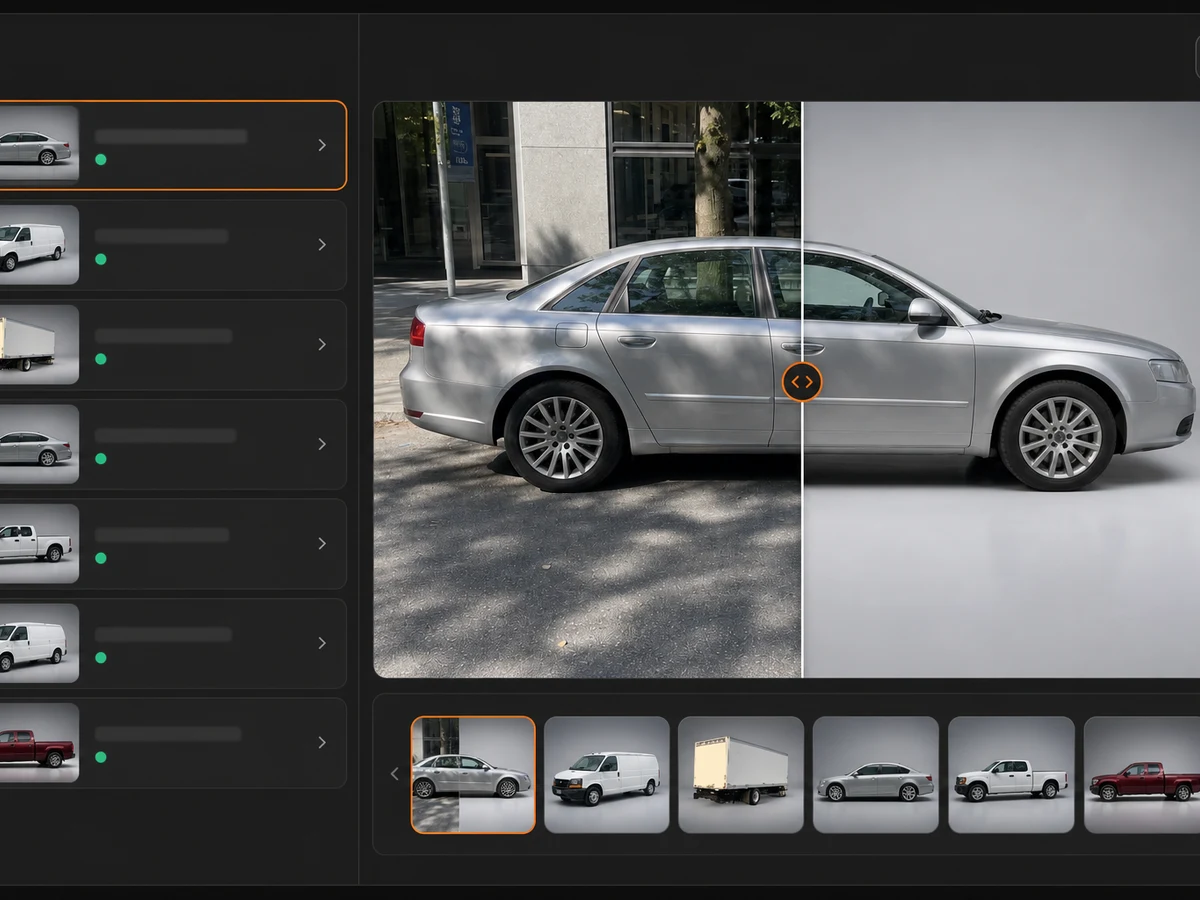
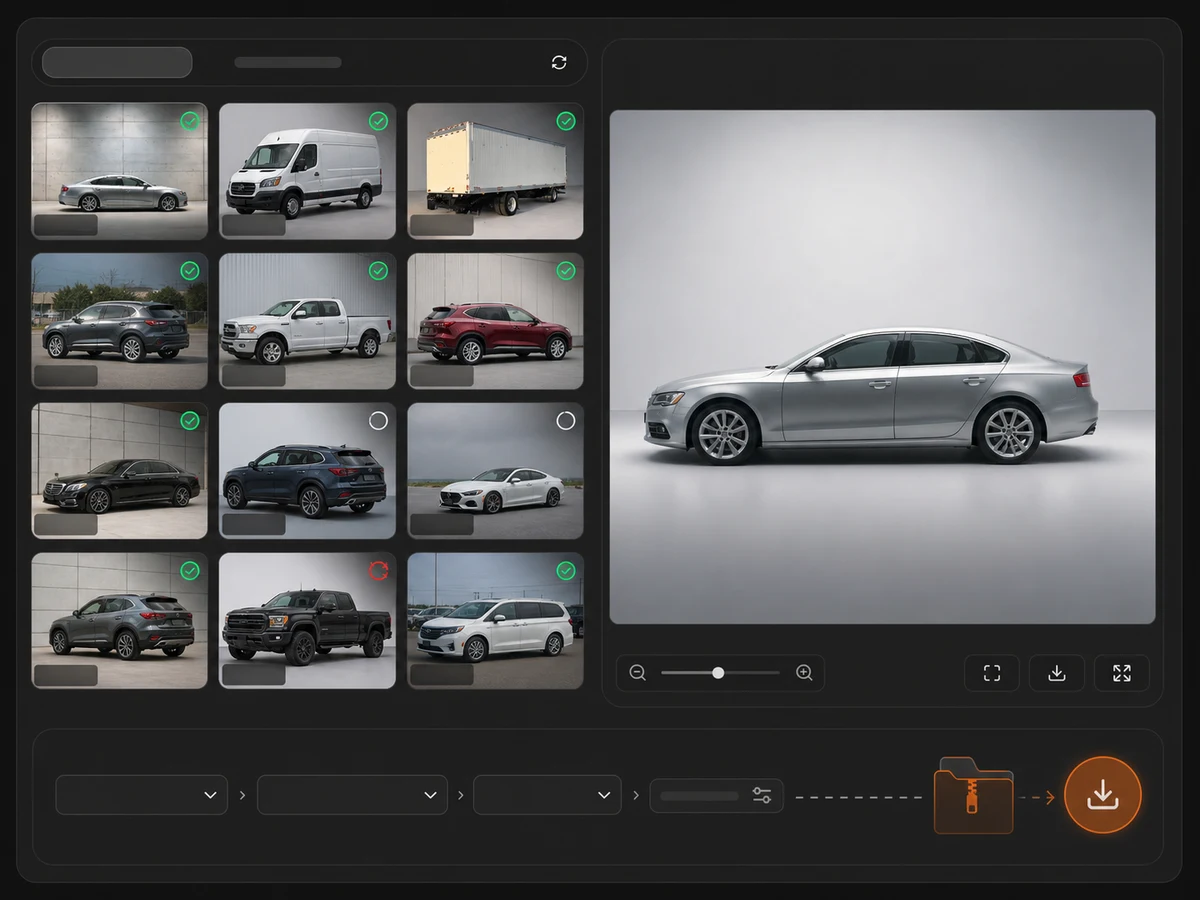
Every image reports its own status as it finishes. Keep the original filenames or bulk-rename the outputs, then download the batch as a ZIP with a manifest.
What You Get
One background across a whole intake, with the vehicle itself left alone — the part every listing depends on.
Vehicle Integrity
Background replacement normally means a cutout: trace the vehicle, lift it, drop it on a backdrop. The default mode here never cuts the car out — it regenerates the scene around it and hands the vehicle back pixel for pixel, so nothing about the car you are selling is quietly redrawn.
Backgrounds
Five reviewed scenes cover most inventory work — dark showroom, bright showroom, industrial studio, outdoor dealership, and neutral studio grey. Each one is tuned so contact shadows and floor reflections read as real rather than pasted. On a subscription you can add your own showroom as well.

Batch Workflow
This is a file processor, not an asset management system. Twenty images per batch, each with its own status line, each generated on its own — one failure never blocks the rest, and anything that fails has its credits returned automatically.
Who It's For
The batch works the same way for everyone. What changes is how many vehicles land in front of a camera each week.
Ten cars in on Monday, all shot against the same fence, the same power lines, the neighbor's van. One background across the batch and the whole row of listings reads like it came from one showroom.
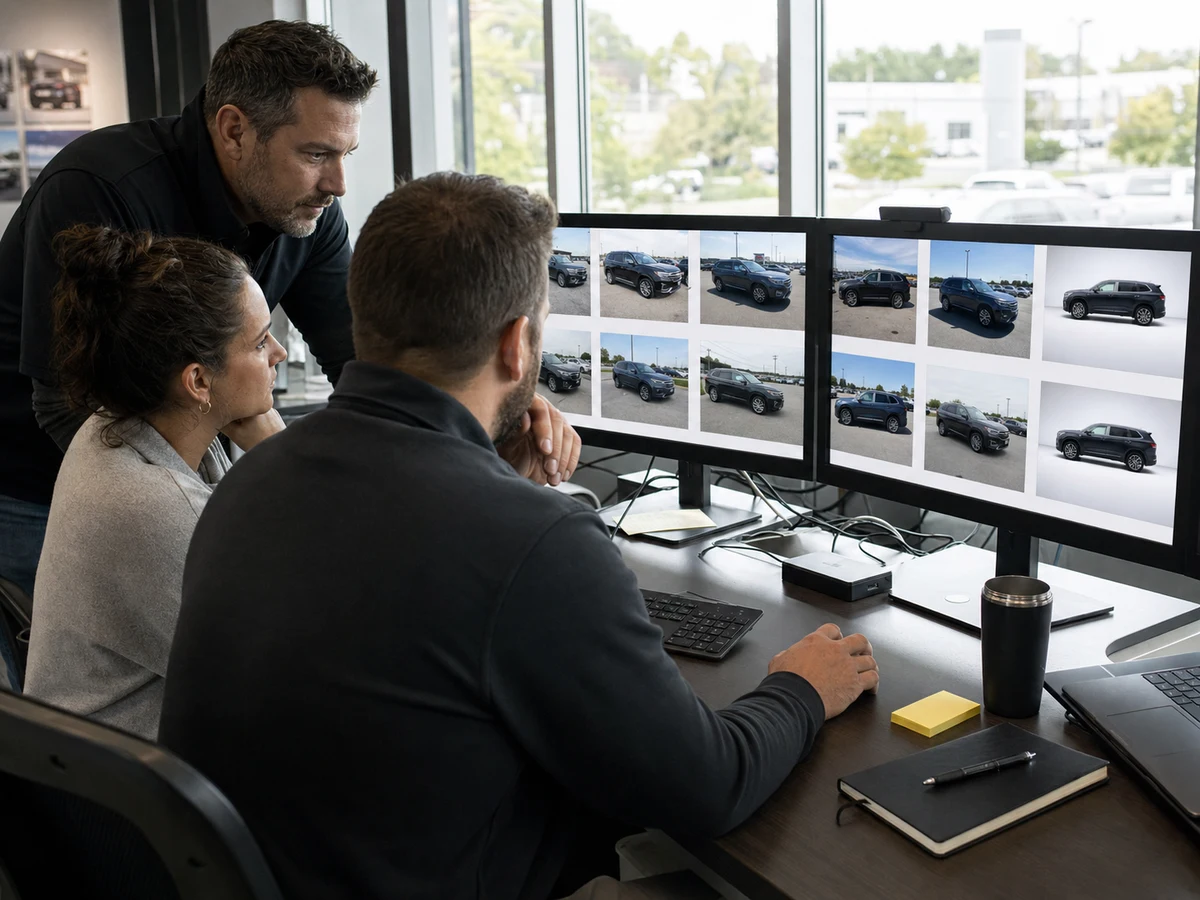
Every rooftop shoots in a different lot, in different weather, at a different hour. Run each intake through the same scene so a shopper browsing across stores can't tell which store took the photo.
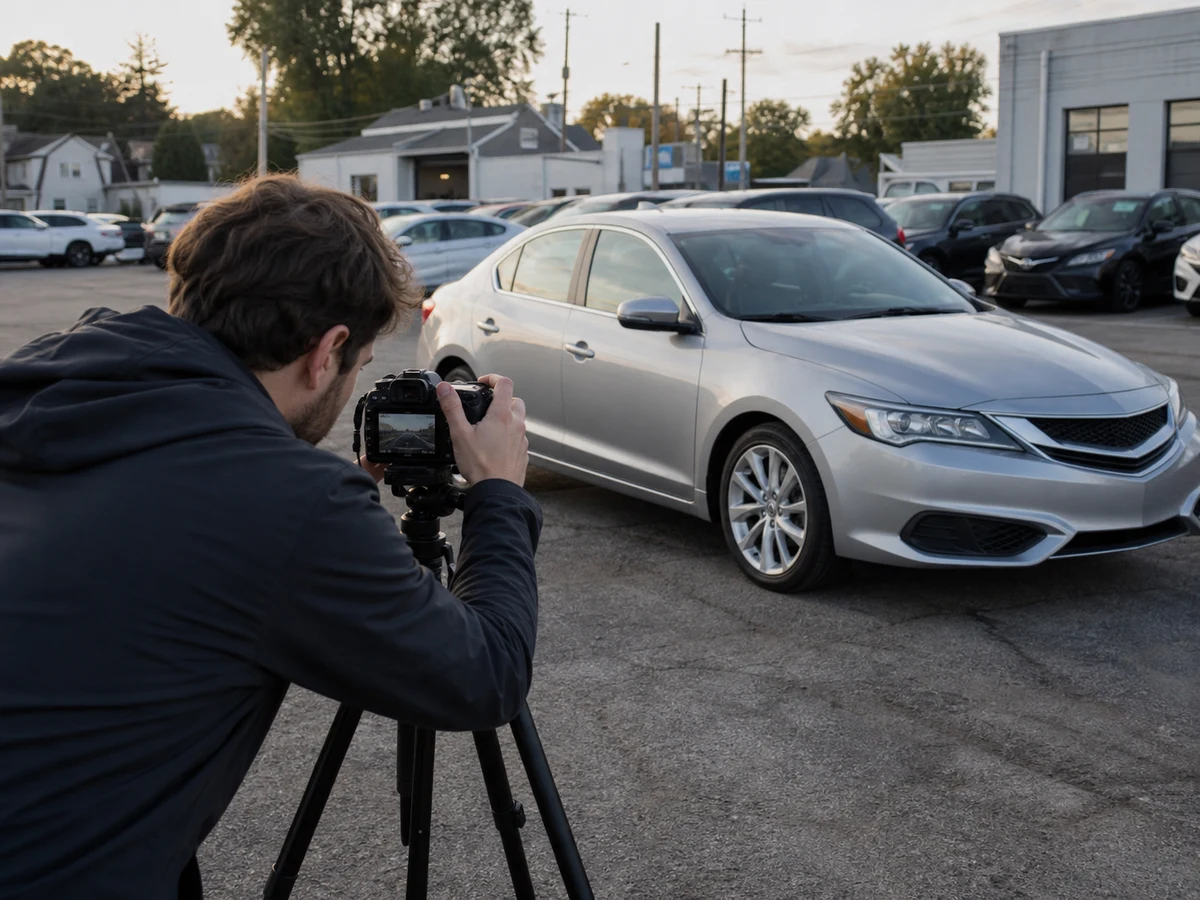
You get paid per vehicle, not per hour in Photoshop, and the hour goes into masking mirrors, glass, and wheel wells. Rebuilding the background around the car skips the mask entirely.
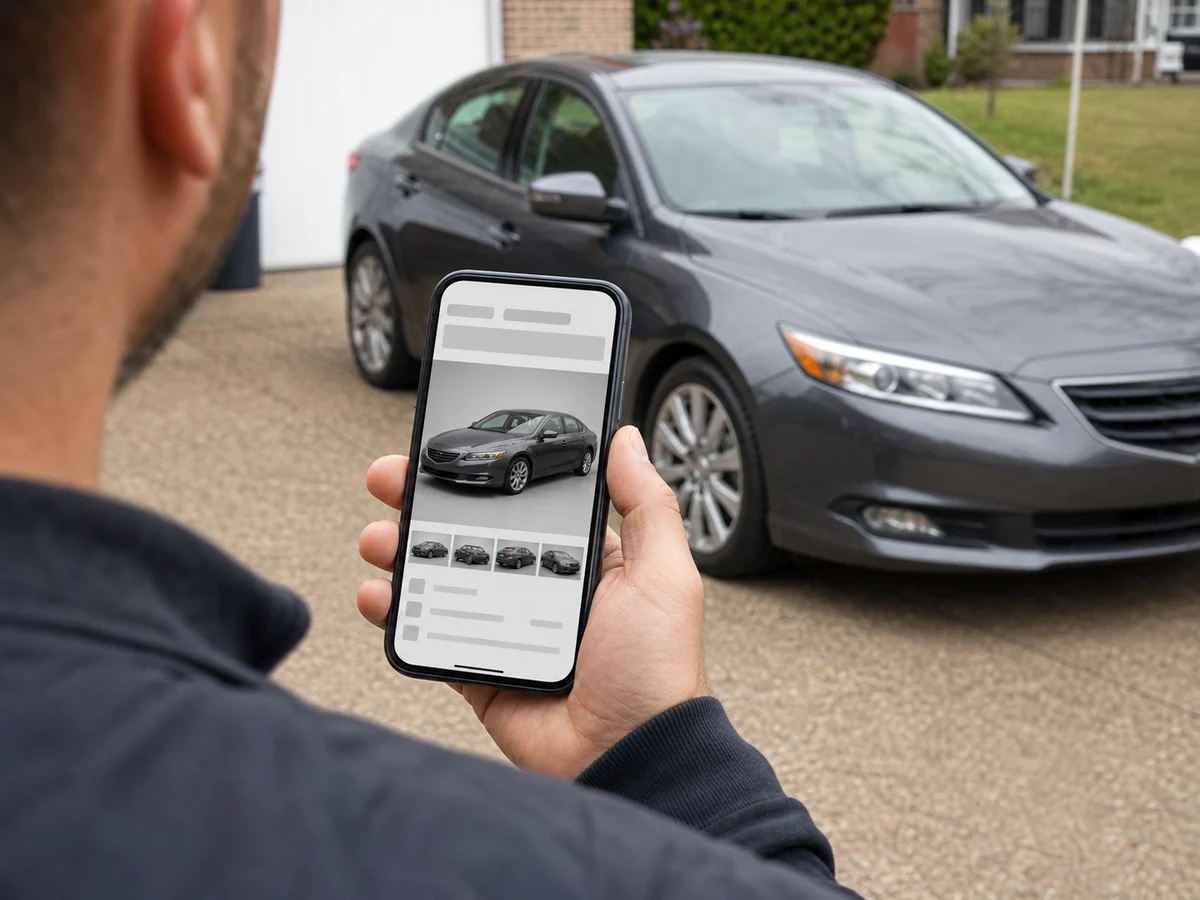
On Marketplace, eBay Motors, or an auction listing, a driveway shot reads as private party. A studio floor reads as a dealer, and getting there costs one upload.
Upload a batch and see the first results in under a minute — your first images are on us.