MODCAR.ai

01 · Inputs

Add your car

0/410 credits per edit

Say what should change and what must stay unchanged. The first image is always the car being edited.

Dealer-ready photo cleanup

Fix the details you missed during the shoot.

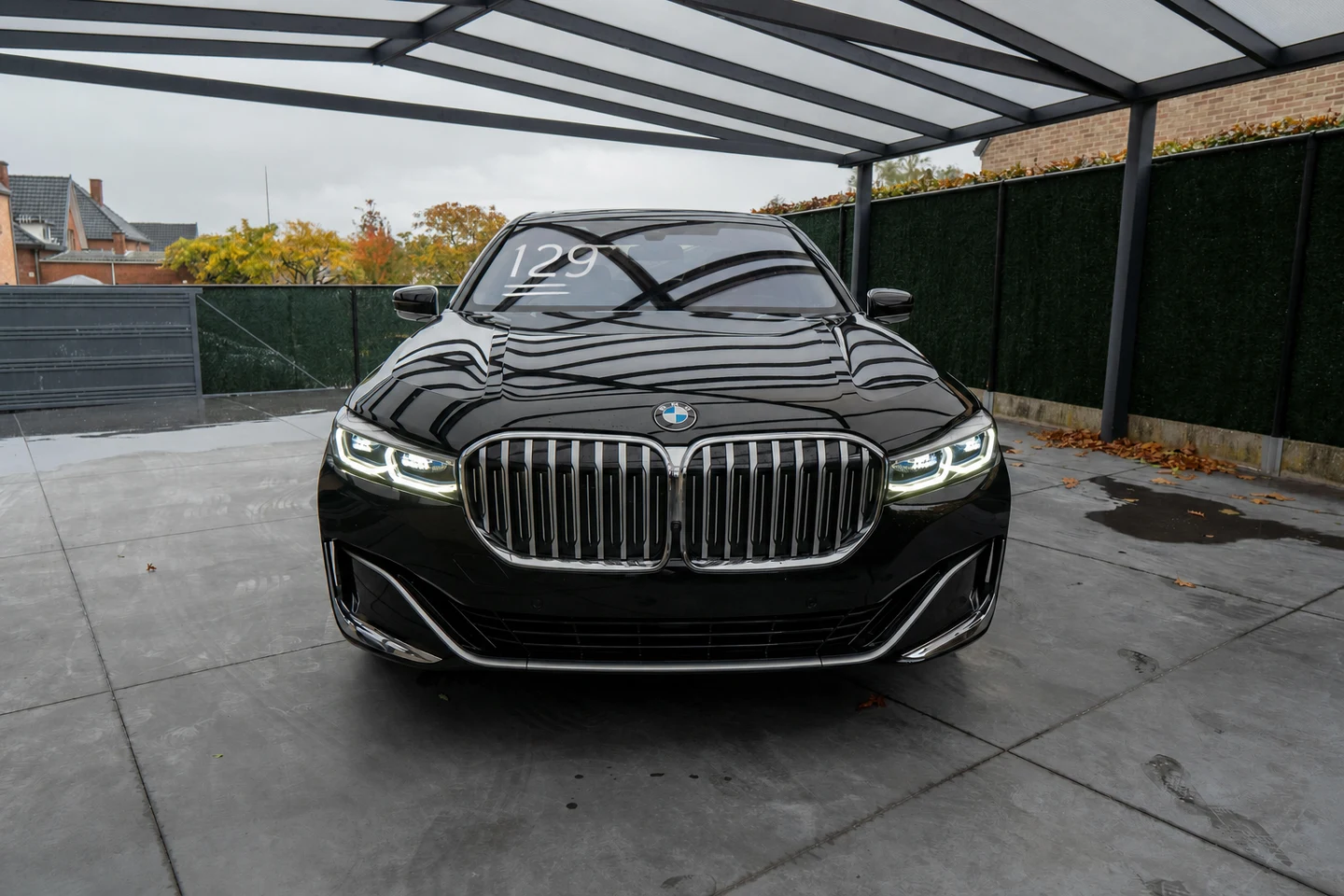
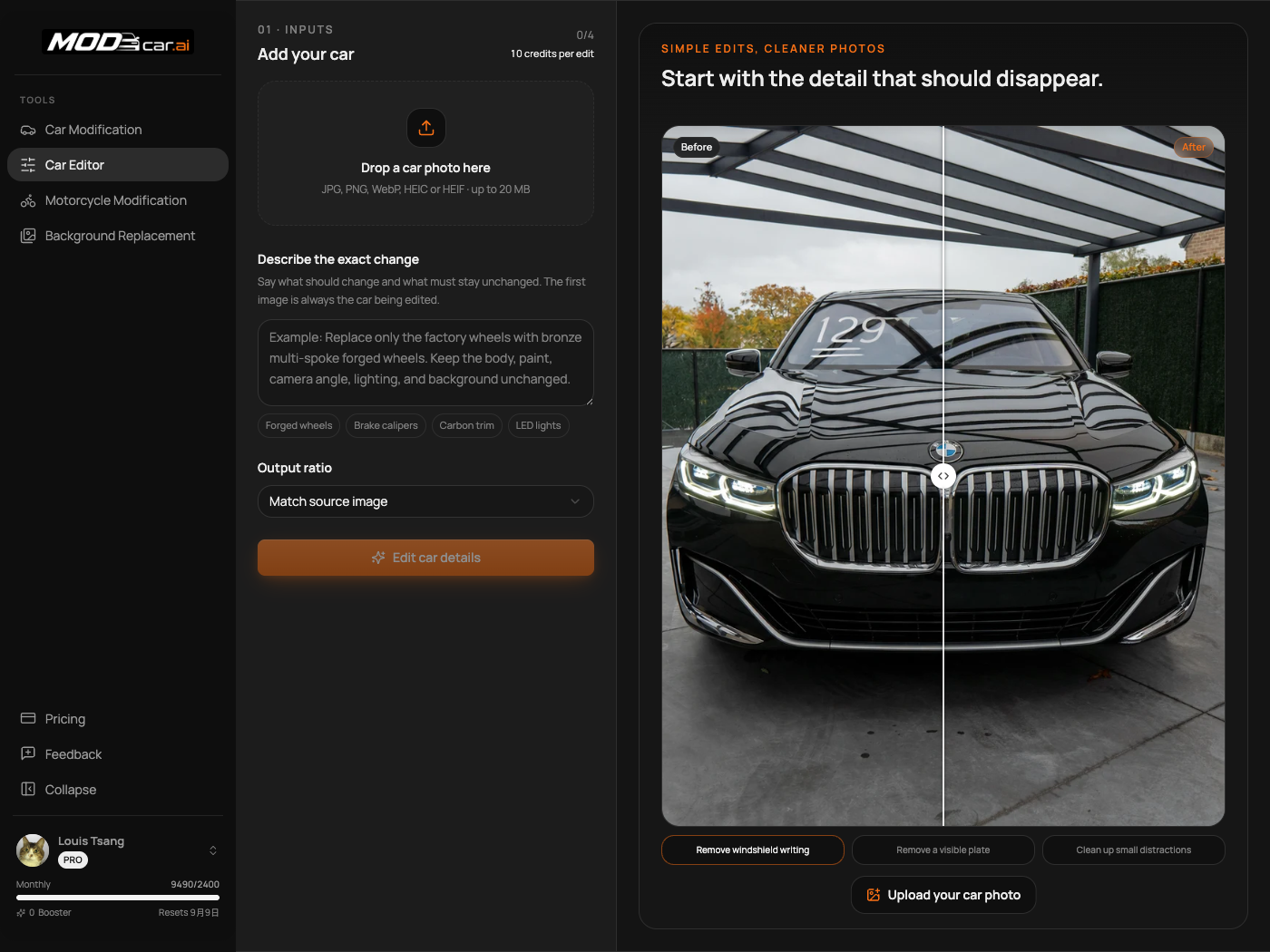
Remove windshield writing — Before
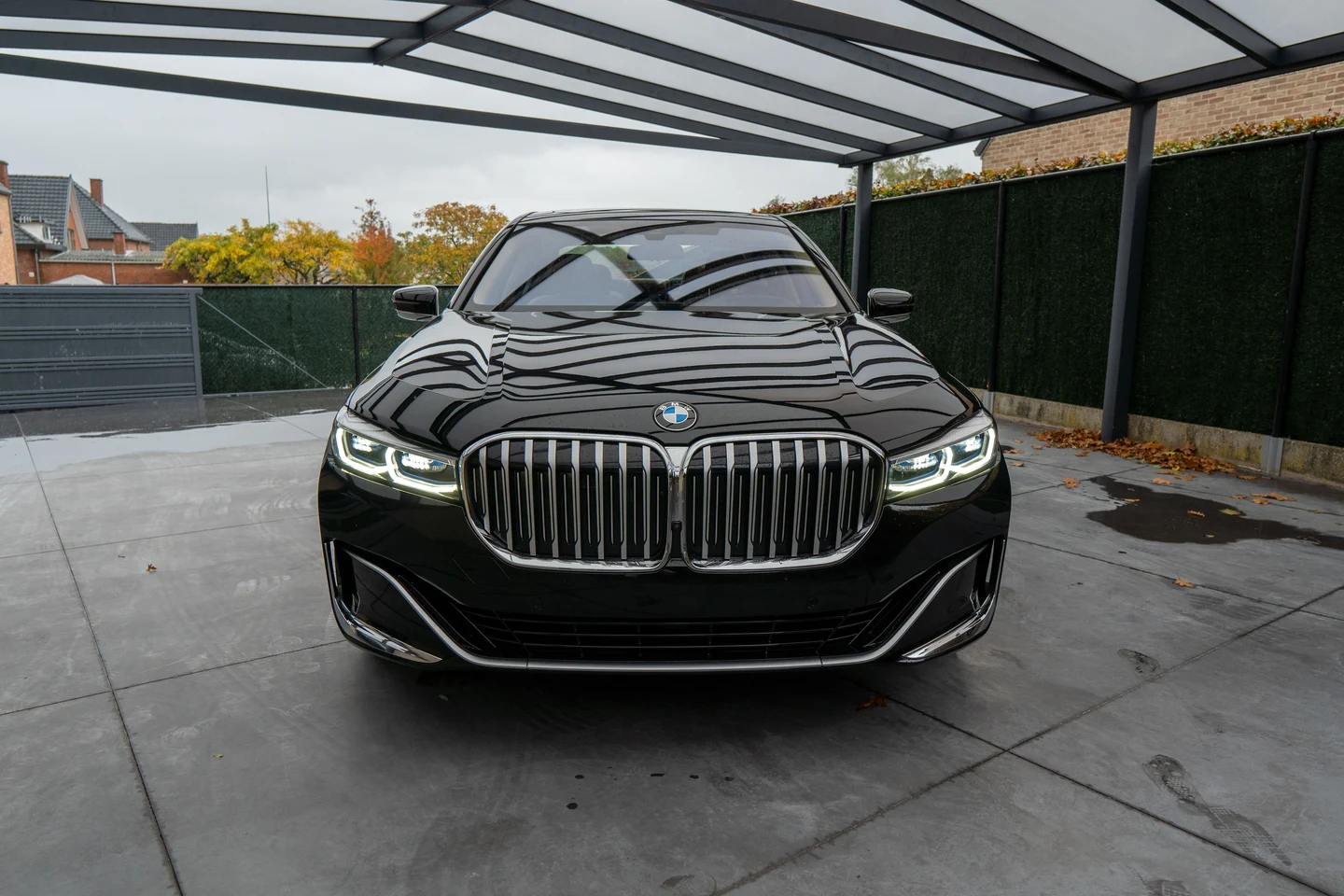
Remove windshield writing — After
BeforeAfter

AI Car Photo Editor

Clean Up Car Photos Without Rebuilding the Car

Remove windshield writing, dealer stickers, visible license plates, and other small distractions from a real car photo. Upload the vehicle, describe the exact area to change, and keep the body, paint, wheels, framing, and background as consistent as possible. When an edit needs a specific replacement part or finish, add up to three reference images.

How It Works

One Photo, One Clear Instruction, One Review

Start from the photo you already have. No masking, cloning, or manual retouching required.

Upload the Car Photo
01

Upload the Car Photo

Add one clear photo of the vehicle you want to edit. If the change should follow a particular part, material, or finish, include up to three supporting reference images.

Describe Only What Should Change
02

Describe Only What Should Change

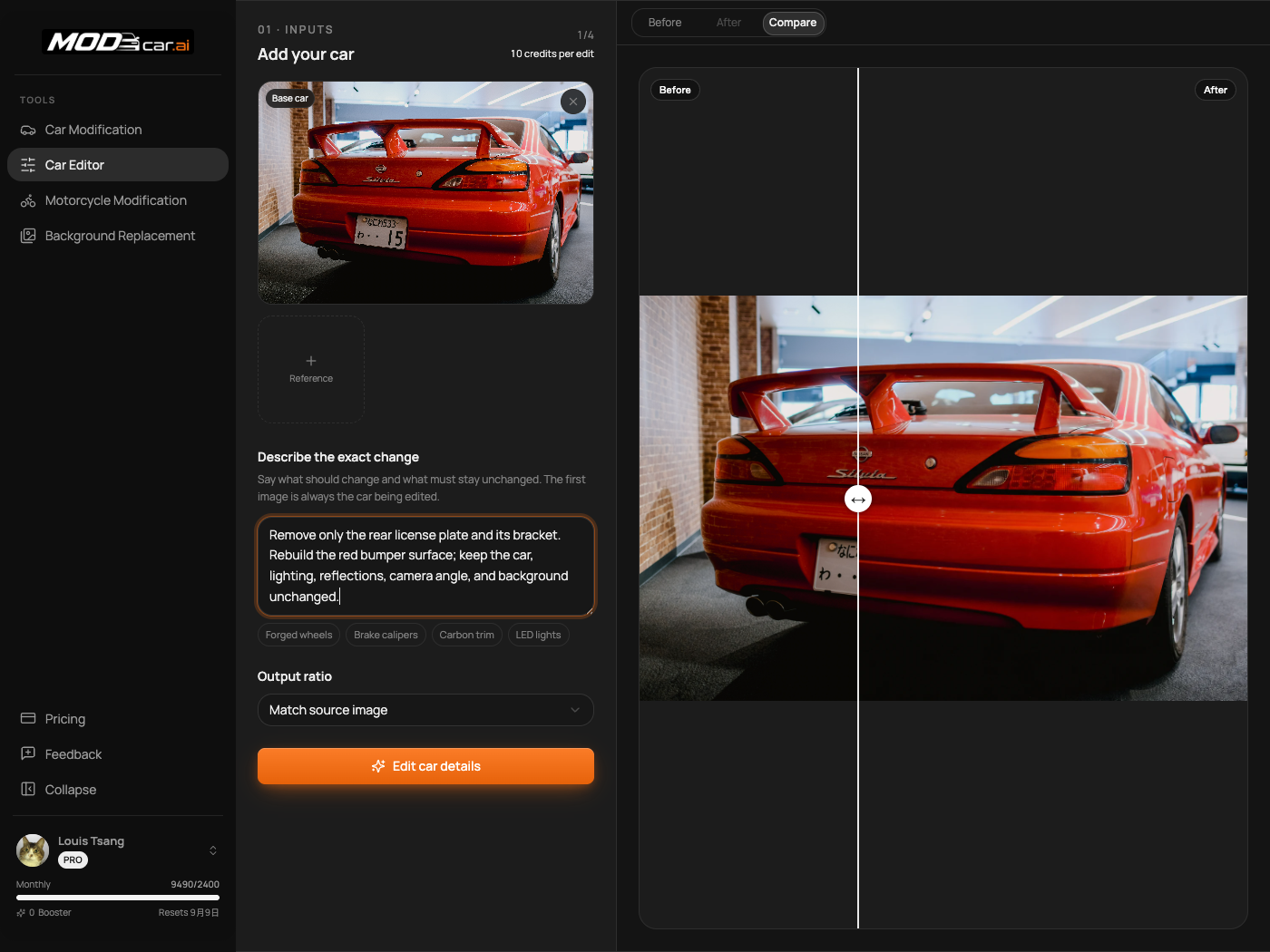
Point to the exact detail: remove the white writing from the windshield, clear the front plate, or replace one trim piece. State what must stay unchanged.
Compare, Download, or Refine
03

Compare, Download, or Refine

Review the result beside the original. Download it when the edit looks right, or narrow the instruction and run another pass if the affected area needs adjustment.

What You Can Edit

Small Corrections That Make Car Photos Usable

Built for localized cleanup and detail changes—not for turning the vehicle into a different car.

01

Photo Cleanup

Remove Writing, Stickers, and Temporary Marks

Clean up the details that make an otherwise useful vehicle photo feel unfinished. Tell the editor exactly what to remove and where it appears.
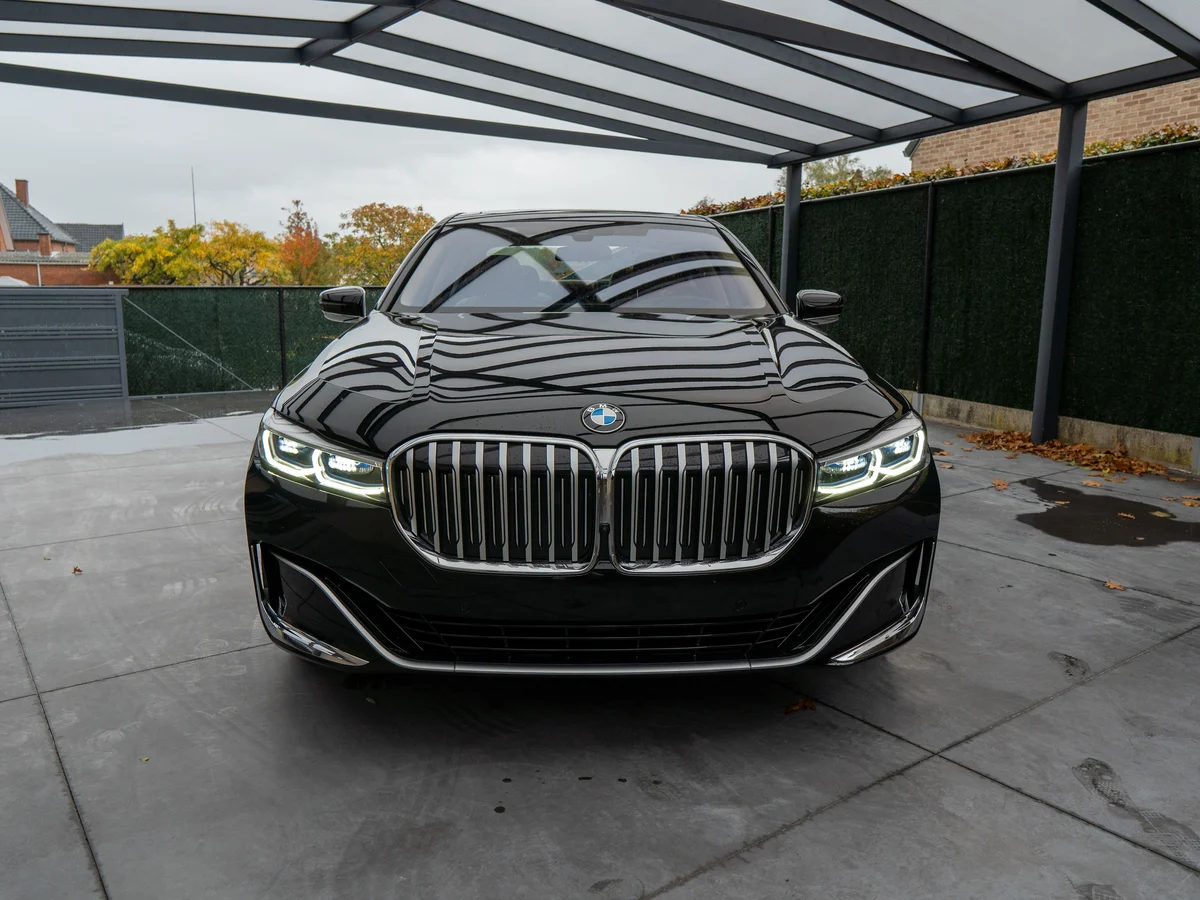
  • Remove price writing and grease-pencil notes from windshields
  • Clear dealer stickers, inspection labels, and temporary decals
  • Remove small adhesive marks or distracting objects near the vehicle
  • Keep glass tint, reflections, bodywork, and surroundings consistent
Remove Writing, Stickers, and Temporary Marks
02

Plate Cleanup

Remove a Visible License Plate

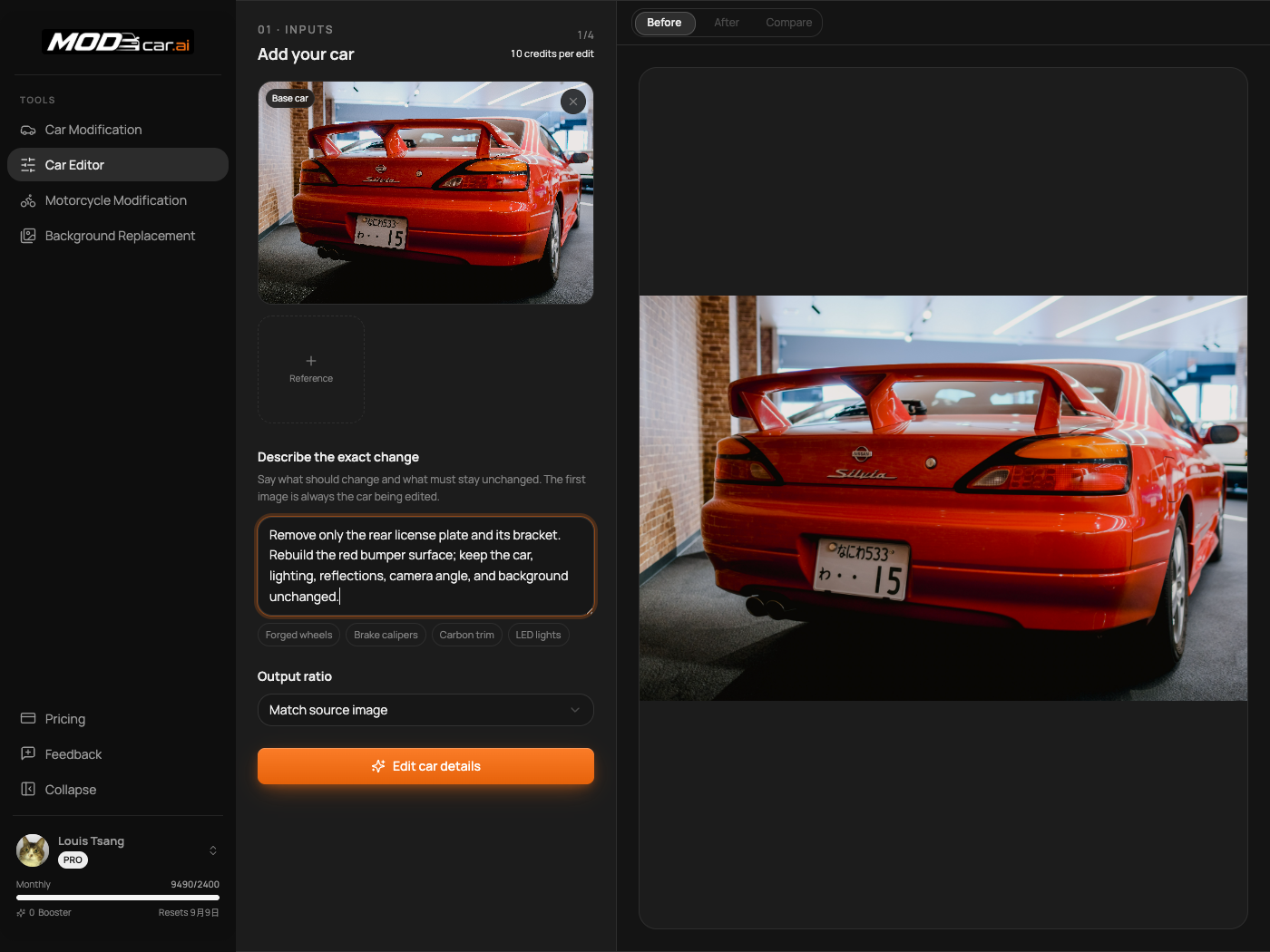
Create a cleaner listing, delivery, or social image without leaving a readable registration plate in the frame. The editor rebuilds the small area where the plate appeared.
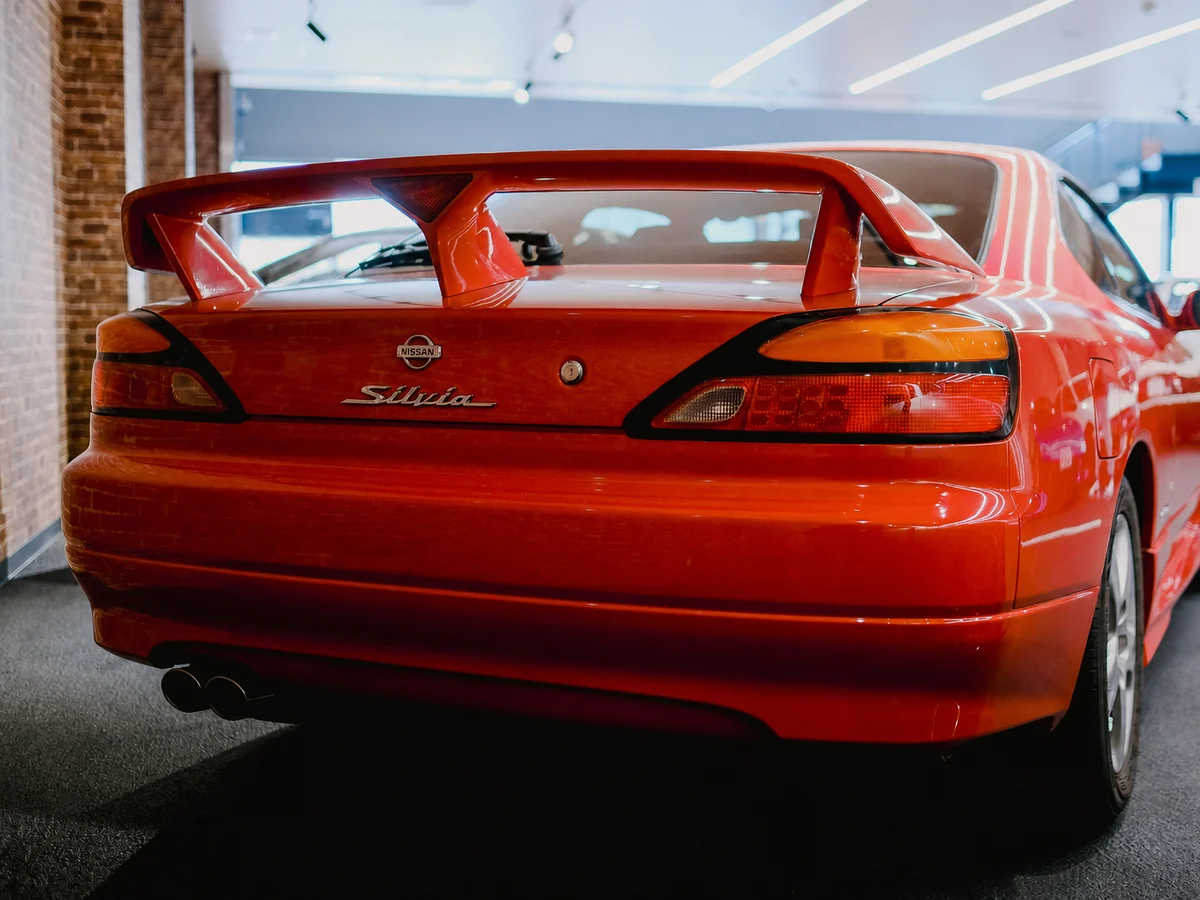
  • Remove front or rear license plates from the vehicle photo
  • Clear readable registration details before publishing an image
  • Preserve the surrounding bumper, grille, paint, and lighting
  • Specify whether the bracket should stay or be removed as well
Remove a Visible License Plate
03

Reference-Guided Editing

Show the Editor the Detail You Mean

Words are not always enough for a particular wheel, trim material, lamp design, or finish. Add reference images so the requested detail has a clearer visual target.
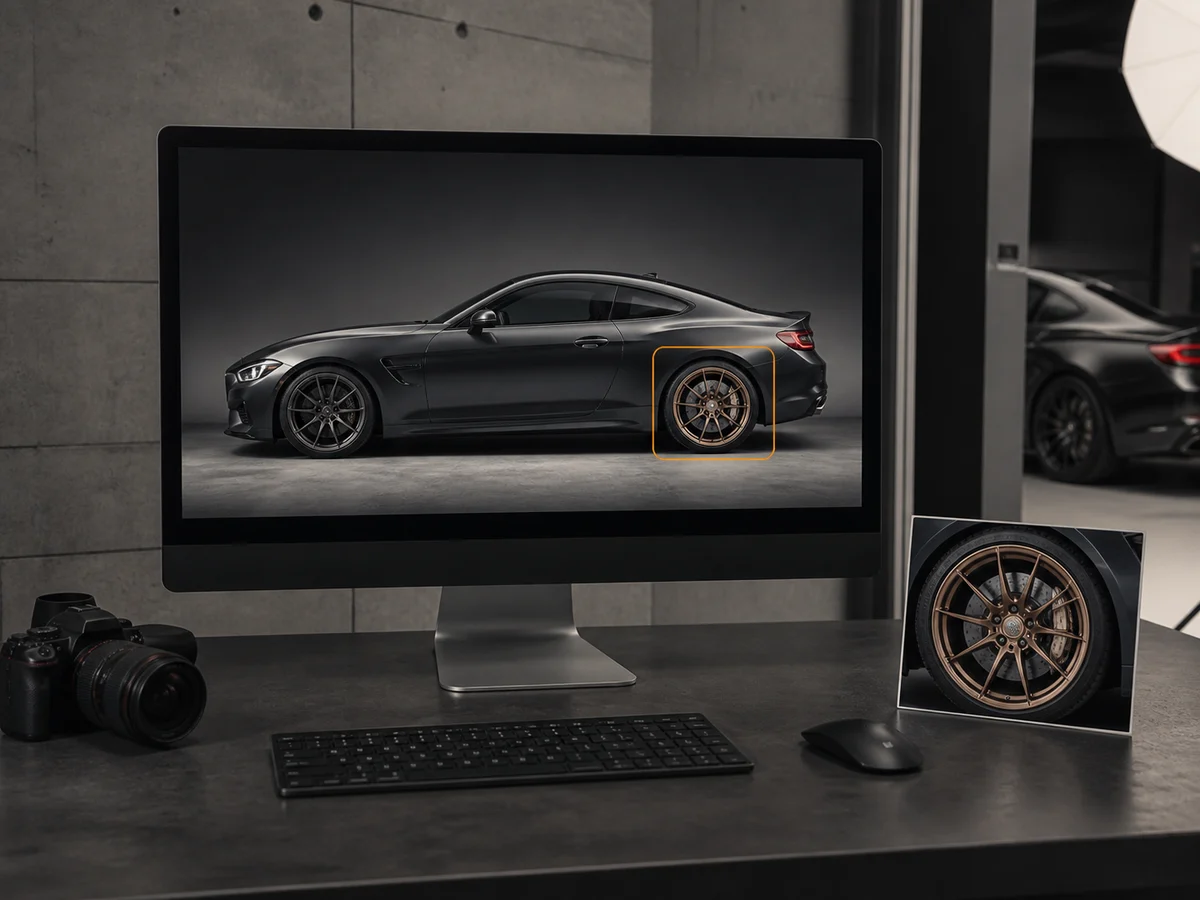
  • Use the first image as the car that must be edited
  • Add up to three images of a part, material, color, or finish
  • Explain which detail to borrow from each reference
  • Keep the source vehicle, angle, and scene as the foundation
Show the Editor the Detail You Mean

Who It's For

For Anyone Who Needs a Cleaner Car Photo

The workflow stays the same; the unwanted detail changes with the job.
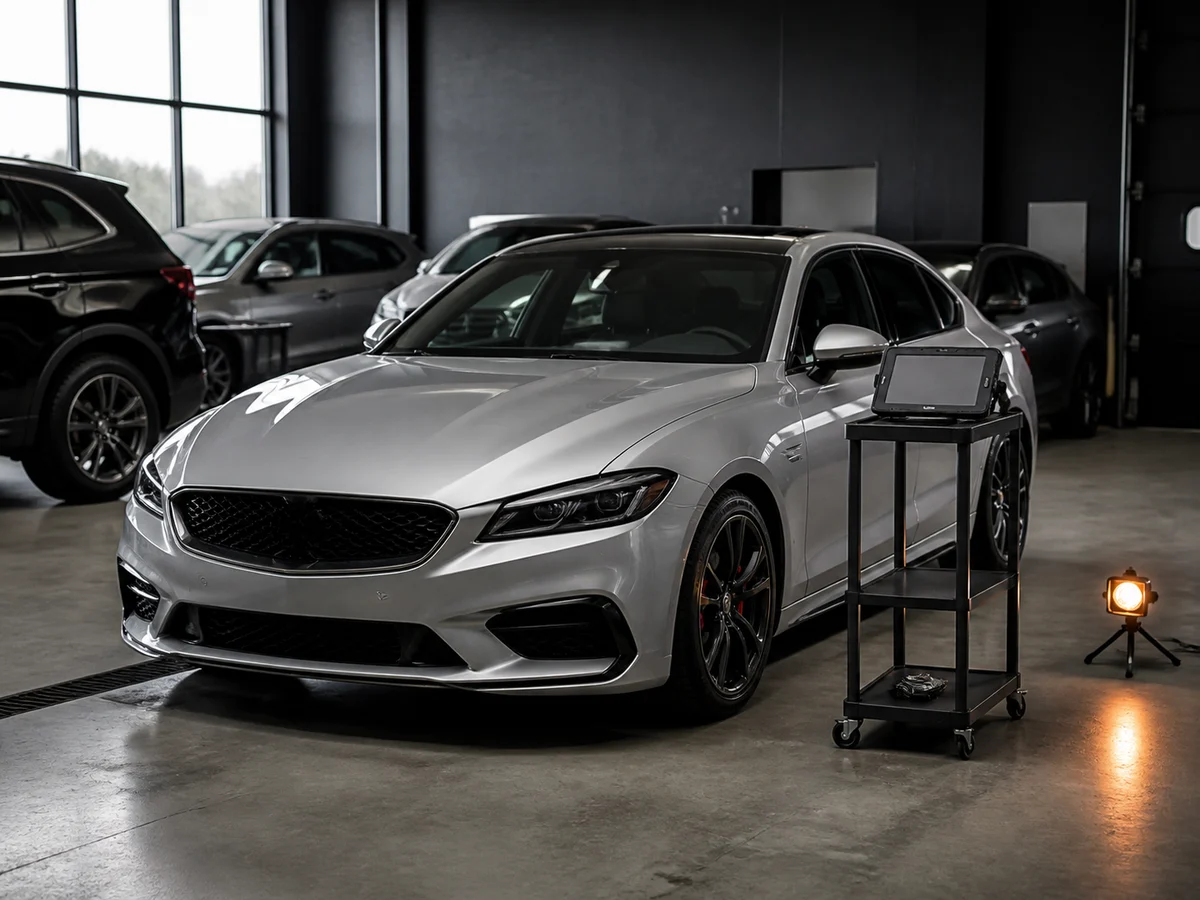
A dealer reviewing cleaned vehicle inventory photos on a desktop monitor
01

Dealers and Inventory Teams

Remove auction writing, temporary stickers, and old plates before vehicle photos reach the website, marketplace feed, or customer.
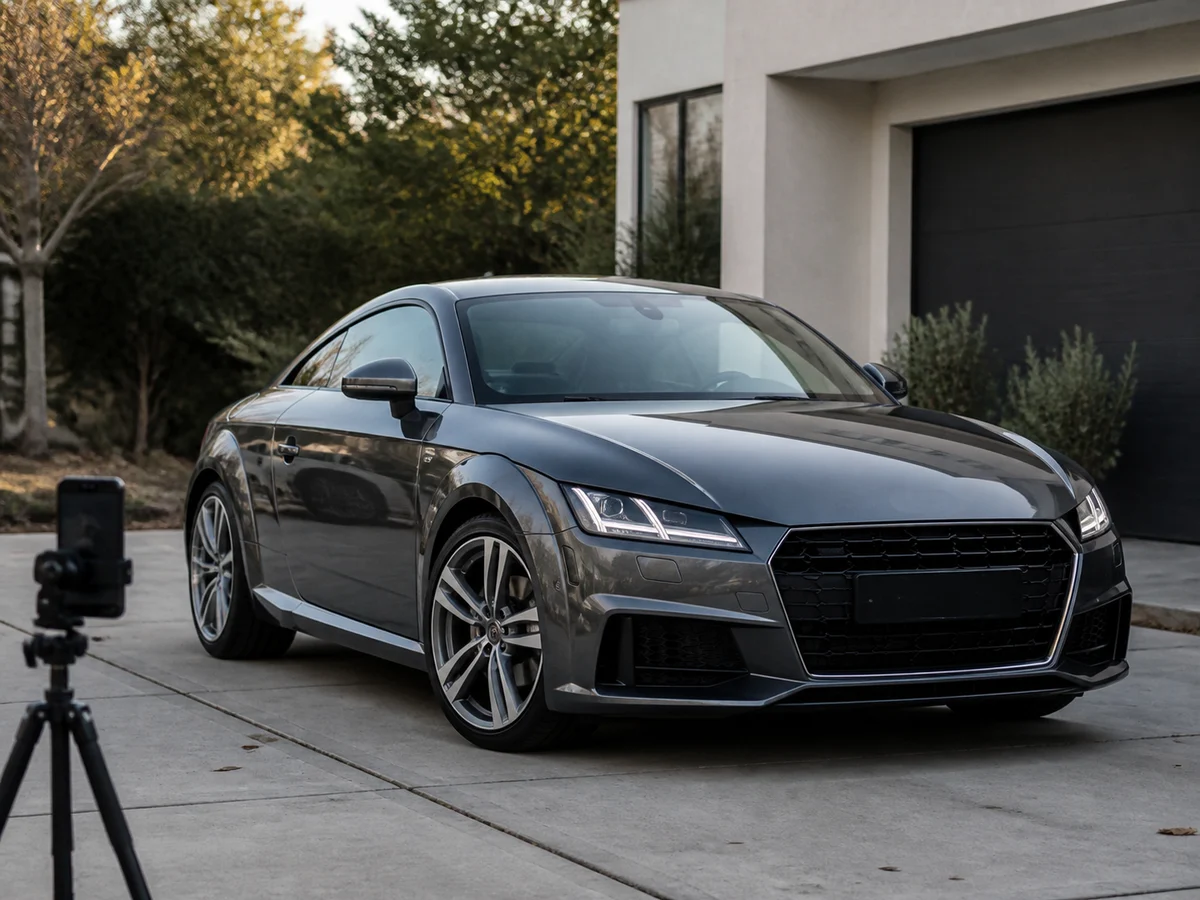
A private seller preparing a clean car listing photo on a laptop
02

Private and Marketplace Sellers

Hide a readable plate and clear distracting windshield marks without reshooting the car or learning a full photo editor.
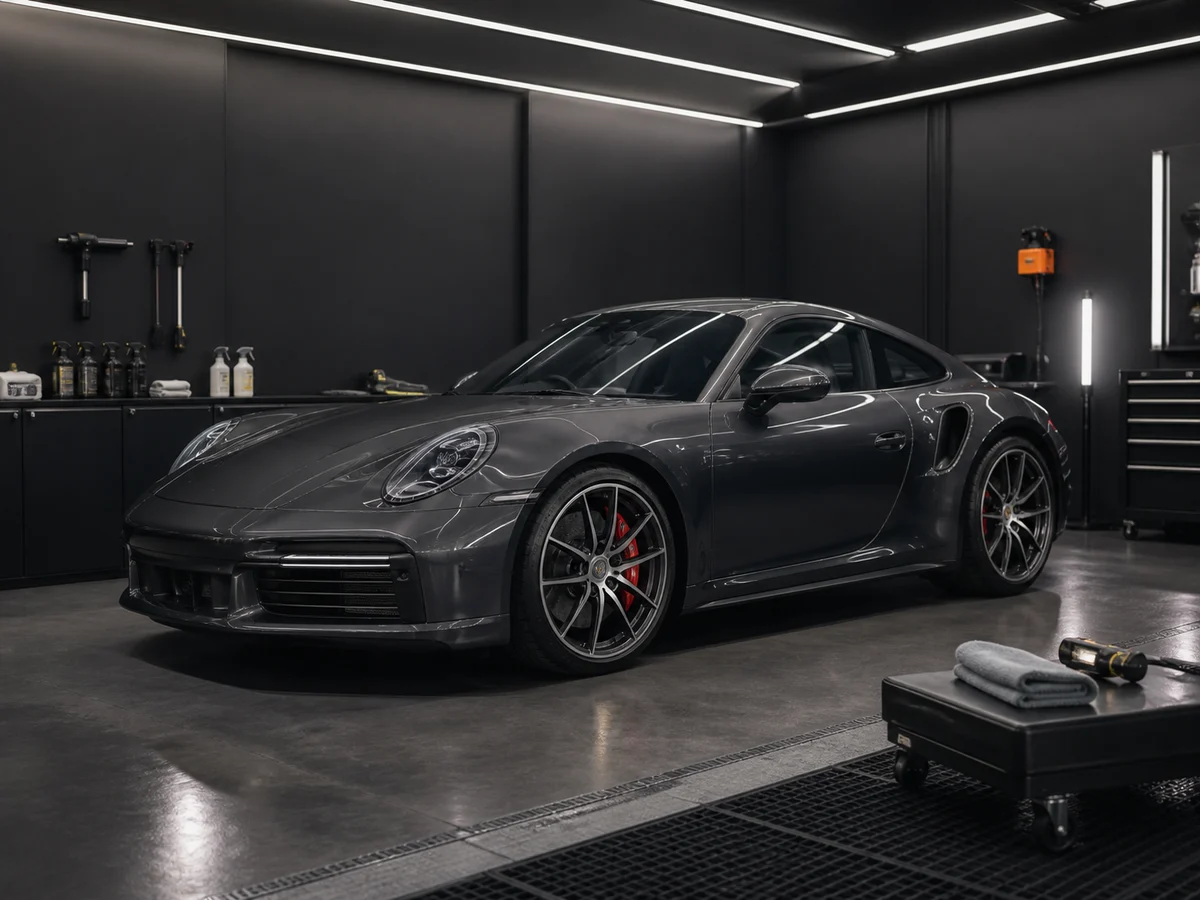
A vehicle detailer reviewing a finished car photo after a studio shoot
03

Detailers and Vehicle Studios

Finish delivery and portfolio images when a leftover label, temporary tag, or small visual distraction was missed during the shoot.
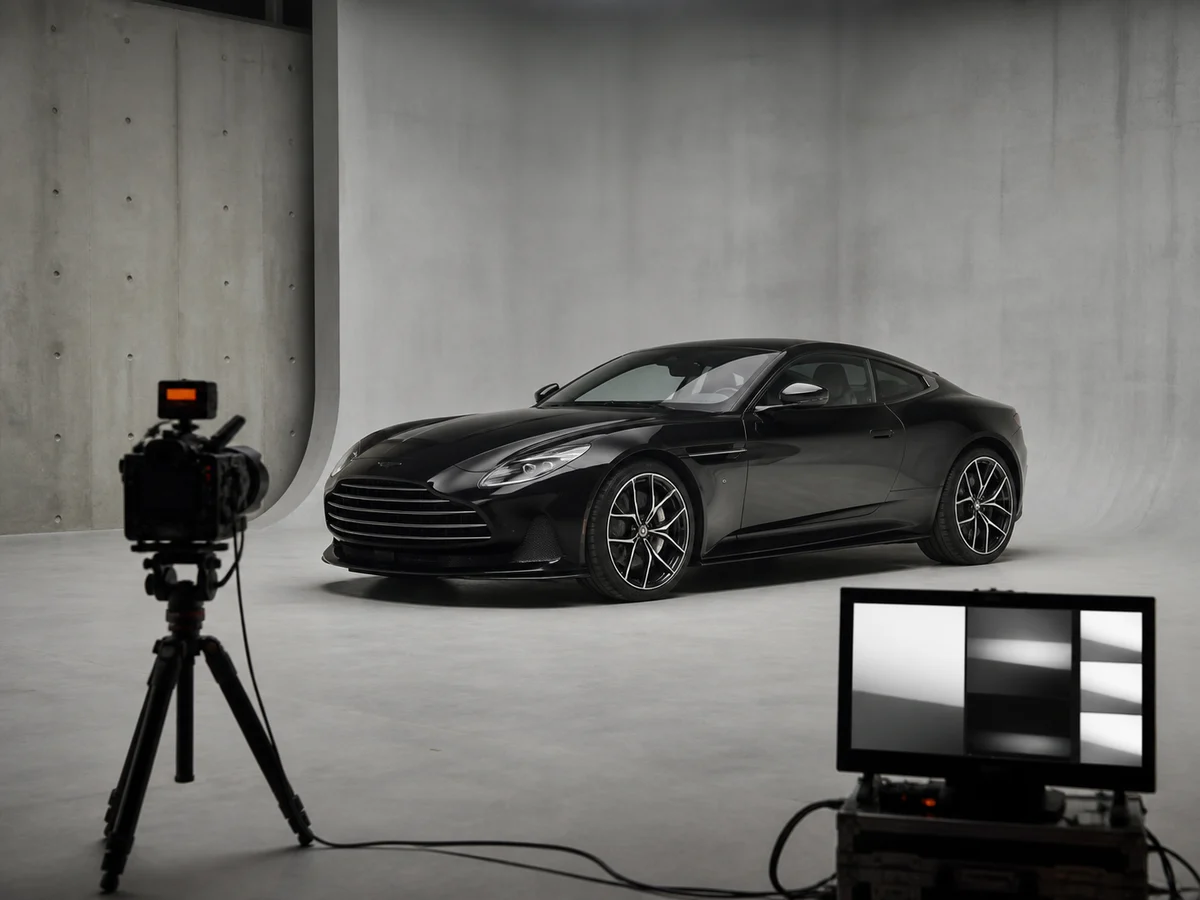
An automotive creator comparing original and edited car photos
04

Automotive Creators

Clean the frame before a thumbnail, post, or campaign goes live, while keeping the photographed car and composition recognizable.

AI Car Photo Editor — Frequently Asked Questions

Yes. Ask it to remove the specific price writing, grease-pencil note, sticker, inspection label, or decal and state that the glass tint, reflections, dashboard, and surrounding bodywork should stay unchanged. Clear, unobstructed windshield photos give the editor the best information to work from.
Yes. Describe whether you want the front or rear plate removed and whether its mounting bracket should remain. The editor reconstructs that local area, so review the bumper, grille, trim, and reflections before publishing the result.
The editor is designed for localized changes, and a precise instruction helps it preserve the body, paint, wheels, stance, camera angle, and background. The result is still AI-generated, so compare it with the original and check important vehicle details before using it in a listing or campaign.
The first image is always the car being edited. You can add up to three reference images for a specific part, material, color, or finish, then explain what the editor should borrow from them. Uploads support JPG, PNG, WebP, HEIC, and HEIF files up to 20 MB each.
Use a sharp, well-lit image where the vehicle and the target detail are large enough to inspect. Avoid heavy blur, strong obstructions, extreme glare, and very small plates or stickers. Angled and low-light photos can work, but limited source detail makes a precise edit less reliable.
Processing time varies with queue load, image size, and edit complexity, but results normally appear within a few minutes. If an edit fails, it is marked in your history and the credits charged for that attempt are refunded automatically.

Have one detail keeping the photo from being ready?

Upload the car, describe the exact correction, and review the edited result beside the original.